 Tiny Online Tools
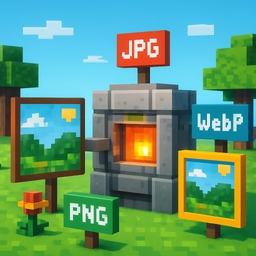
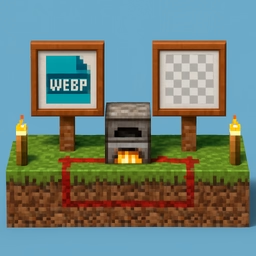

Image Konvertierter
Transformiert images between JPEG, PNG, WebP, and other Formatierts instantly. Different Formatierts serve different purposes—choose the best Formatiert for your use case.
Formatiert characteristics
JPEG excels for photographs with many colors, using efficient lossy Komprimiertion. PNG preserves perfect quality and supports transparency with lossless Komprimiertion. WebP offers modern Komprimiertion combining JPEG's efficiency with PNG's transparency support.
Formatiert selection strategy
Use JPEG for photographs and images with complex colors. PNG is ideal for graphics, logos, and images requiring transparency. WebP works for modern web optimization where Browser support isn't a concern. GIF suits simple animations and indexed-color graphics.
Quality and file size comparison
The tool shows before-and-after file sizes, revealing the impact of Formatiert choice. A PNG icon might Komprimiert to significantly smaller WebP version. A photograph might gain little quality benefit from PNG conversion while dramatically increasing file size.
Transparency handling
When Konvertierting to JPEG (which doesn't support transparency), the tool adds a white background. When Konvertierting from JPEG to PNG or WebP, you gain transparent background capability.
Batch Formatiert conversion
Quickly Konvertiert images between Formatierts without external software. Process multiple images using the same Formatiert settings for consistency.
Real-world applications
Konvertiert legacy GIF animations to modern WebP Formatiert, prepare photographs for web with quality optimization, Konvertiert logos to PNG for transparency, batch Konvertiert image Formatierts for project standards, and adapt images to platform requirements.