 Tiny Online Tools
How to Create a Scales Pattern in SVG Fast
How to Create a Scales Pattern in SVG Fast
If you need a pattern that feels decorative, polished, and a little bit luxurious, scales are hard to beat. They can suggest mermaid tails, fish skin, Art Deco textures, packaging accents, and fashion prints — all with a clean vector look that scales beautifully at any size. That is exactly where SVG Scales Pattern Generator shines.
Instead of drawing every arc by hand, this tool lets you generate repeating fish scales and mermaid scales in SVG with custom radius, stroke, and fill settings. That means you can move quickly from idea to usable background pattern without losing the crispness that makes SVG so useful in the first place. And because the output is vector-based, it is easy to reuse across websites, posters, labels, and mockups.
Why scales patterns are so useful
A good pattern can carry a whole design. Scales work especially well when you want something ornamental but not overly busy. They add rhythm, motion, and texture without feeling random.
Here are a few common use cases:
- Decorative website backgrounds for hero sections, landing pages, and banners.
- Packaging design for cosmetics, bath products, specialty foods, or boutique brands.
- Fashion and textile prints where repeating motifs need to look elegant and consistent.
- Art Deco-inspired visuals that benefit from symmetry and layered repetition.
- Brand accents for social graphics, labels, stickers, or presentation slides.
If you want to compare this style with other repeating motifs, you can also explore SVG Line Pattern Generator, SVG Zigzag Pattern Generator, and SVG Dot Grid Pattern. Each one solves a different texture problem, but the scales pattern is the most ornamental of the group.
How to use SVG Scales Pattern Generator
The workflow is straightforward:
- Open SVG Scales Pattern Generator.
- Adjust the controls for radius, stroke, and fill until the pattern matches your style.
- Preview the repeating texture.
- Copy or export the SVG for use in your project.
- Drop it into a layout, background, or design system and test it at different sizes.
That’s the practical magic of an SVG Scales Pattern Generator: you can iterate quickly, then keep the final result sharp at any resolution.
Tips for better results
A few small choices can make a big difference:
1. Keep contrast intentional
High contrast can make the pattern bold and graphic. Softer contrast gives you a subtle, premium feel. For packaging and UI work, subtle often wins.
2. Match the pattern density to the job
A dense scales pattern can feel rich and energetic, while a looser version reads calmer and more breathable. If you are using the pattern behind text, test readability before committing.
3. Use color to set the mood
The same geometry can feel playful, luxurious, nautical, or retro depending on the palette. Try monochrome for a modern look, or choose muted jewel tones for something more decorative.
4. Pair it with the right companion pattern
If you need a different texture family, the related tools can help. SVG Isometric Pattern Generator is great for dimensional backgrounds, while SVG Circular Pattern Generator gives you concentric or dot-based decorative structures.
When to choose scales over other patterns
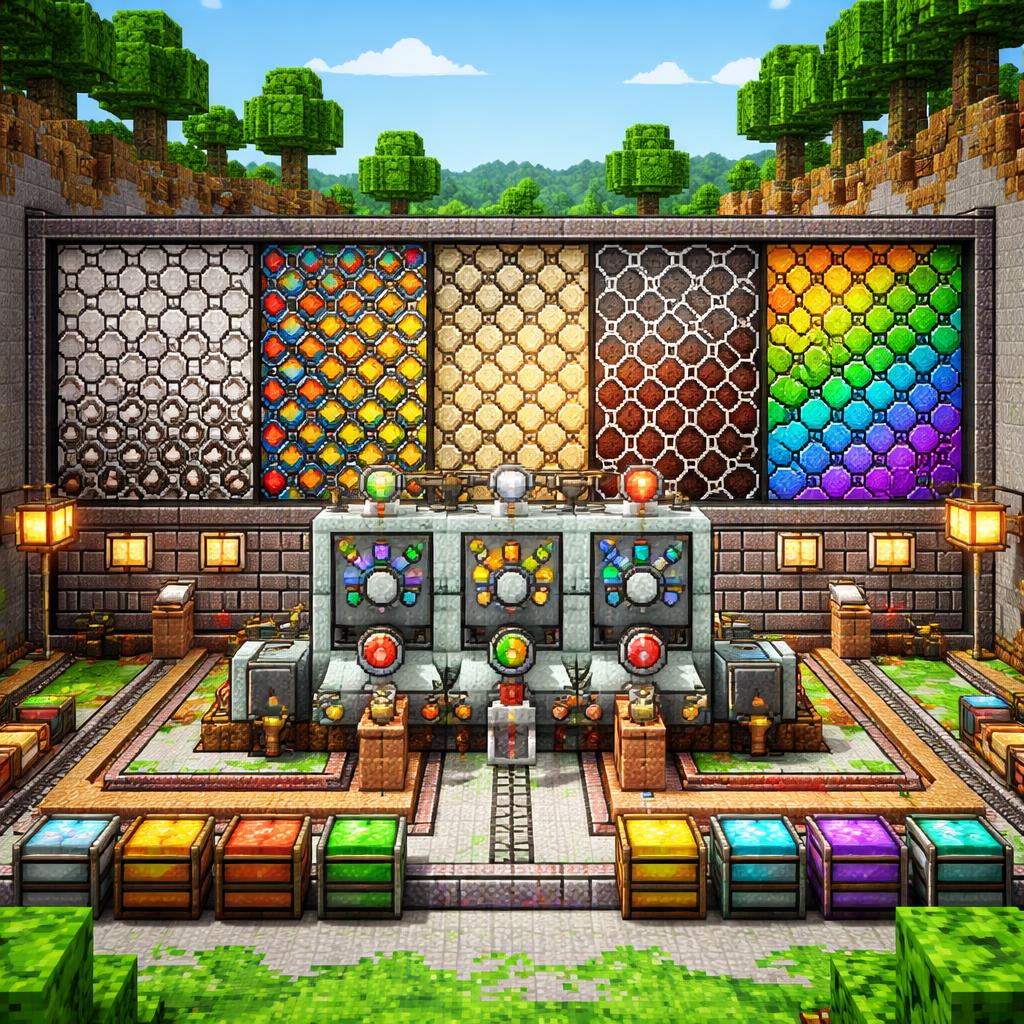
Choose scales when you want repetition that feels organic and elegant. Use lines when you want structure, dots when you want minimal texture, zigzags when you want energy, and scales when you want a richer decorative surface.
That is the real advantage of a focused tool like SVG Scales Pattern Generator: it removes the friction from a very specific design task. Instead of building pattern logic from scratch, you can tune the look you want and move on.
Final thoughts
For designers, makers, and marketers, a good repeating texture can make a simple layout feel complete. SVG Scales Pattern Generator gives you a fast way to build one of the most versatile decorative SVG patterns, and it does it in a format that stays lightweight, crisp, and easy to reuse.
If you are building a background for a brand refresh, a packaging concept, or a social asset, this is a tool worth bookmarking. And if you want to keep exploring adjacent pattern styles, compare it with SVG Line Pattern Generator, SVG Zigzag Pattern Generator, and SVG Circular Pattern Generator.