 Tiny Online Tools
How to Make an SVG Isometric Pattern Fast
How to Make an SVG Isometric Pattern Fast
If you need a background that instantly looks modern, technical, and a little dimensional, an isometric pattern is one of the easiest wins. The SVG Isometric Pattern Generator helps you make that look in seconds, without opening a design app or hand-building a repeating tile from scratch.
That matters because pattern work often eats time. You want something that feels polished for a landing page, game mockup, packaging concept, or architectural illustration — but you also want control. The SVG Isometric Pattern Generator gives you a clean way to explore that visual space quickly, and because it outputs SVG, the result stays crisp at any size.
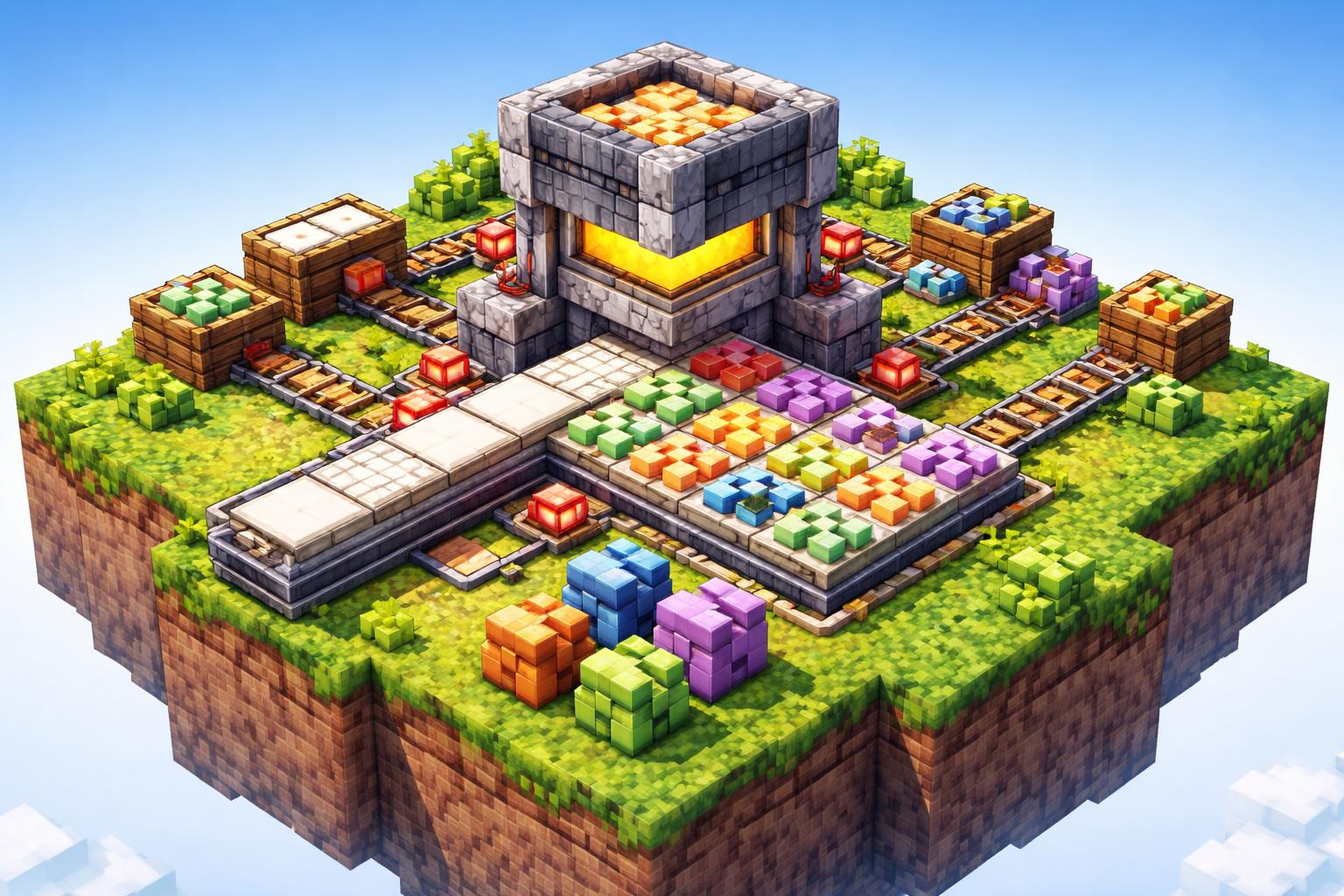
Why isometric patterns work so well
Isometric graphics sit in a sweet spot between flat and fully 3D. They suggest depth, structure, and rhythm without becoming visually noisy. That makes them useful for:
- website hero backgrounds
- product mockups
- game-related UI and splash pages
- architectural concepts
- editorial illustrations
- decorative sections in presentations
The charm of an isometric pattern is consistency. Once the cube rhythm is right, the whole composition feels engineered and intentional. If you are building something that needs a “tech-forward” or “crafted” vibe, this is a strong choice.
What the tool is best at
The SVG Isometric Pattern Generator is focused on generating a 3D-looking cube pattern SVG. In practical terms, that means it is ideal when you want a repeating structure that can act as a background or a visual texture.
Instead of drawing individual tiles manually, you can use the generator to explore a pattern direction quickly. It is especially handy when you need:
- a base texture for a design system
- a geometric background with depth
- a repeatable SVG asset you can scale cleanly
- a fast way to test whether isometric cubes fit your brand mood
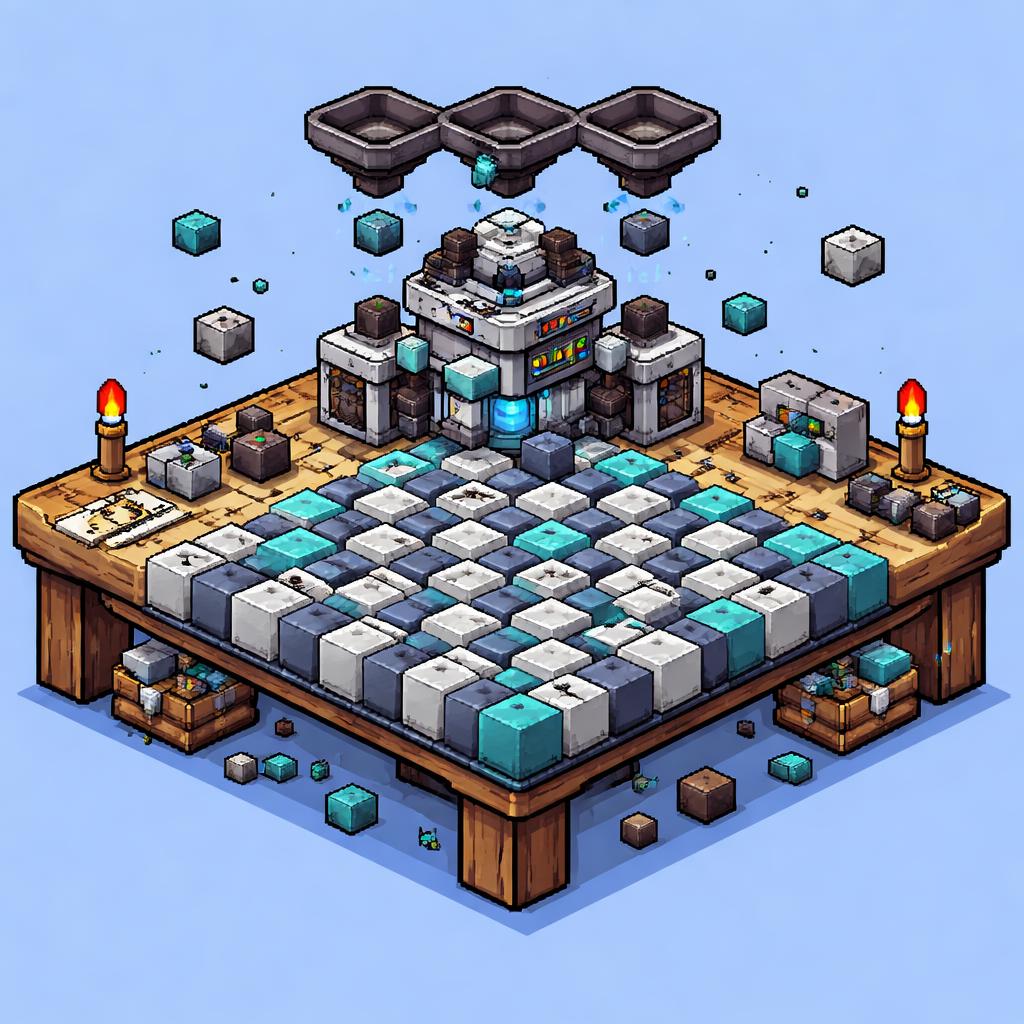
Three practical ways to use it
1) Website backgrounds
A subtle isometric pattern can make a hero section feel more premium without distracting from the headline. Use a muted color palette for a professional look, or push contrast if you want something bold and playful.
2) Game and app visuals
Because isometric design already feels spatial, it is a natural fit for game tiles, build-mode interfaces, strategy dashboards, and tech products. The cube pattern can reinforce the worldbuilding or system logic behind your product.
3) Architectural and product presentation assets
If you are pitching a system, layout, or structure, cube patterns communicate order. They can act as a subtle background for slides, case studies, or concept boards where you want a clean “designed” feel.
How to use it
Here is the simplest workflow:
- Open the SVG Isometric Pattern Generator.
- Adjust the pattern direction and overall look until the cube rhythm feels right.
- Preview the result at the scale you actually need.
- Export or copy the SVG into your project.
- Place it behind content, use it as a tileable texture, or adapt it into a larger composition.
A good habit is to test the pattern at both large and small sizes. Something that looks elegant in a full-width hero may feel too busy in a card background, so check contrast and spacing before you ship it.
Tips for better results
- Keep the palette tight. Isometric patterns usually look best when colors are disciplined.
- Use contrast with care. You want depth, not clutter.
- Match the pattern intensity to the content. A strong cube wall can overpower a small section.
- Think in layers. Patterns often work best when paired with simple typography or a clean foreground image.
- Save multiple variants. One subtle version and one high-contrast version give you flexibility later.
Similar tools worth a look
If you like geometric backgrounds, a few related tools can help you branch out:
- SVG Scales Pattern Generator for decorative fish-scale textures
- SVG Circular Pattern Generator for rings, dots, and honeycomb-style layouts
- SVG Vortex Pattern Generator for swirling, hypnotic compositions
- SVG Line Pattern Generator for clean stripes and hatching
- SVG Zigzag Pattern Generator for bold chevrons and retro-style geometry
These are great companions when you want the same fast browser-based workflow but a different visual language.
Final thoughts
If you need a quick way to produce a crisp geometric background, the SVG Isometric Pattern Generator is an easy place to start. It gives you the visual effect of depth and structure without making the process complicated.
That is the real value here: less time wrestling with shapes, more time using a pattern that actually supports your design. Try the SVG Isometric Pattern Generator as a starting point, then adjust the mood until it fits your project.