 Tiny Online Tools
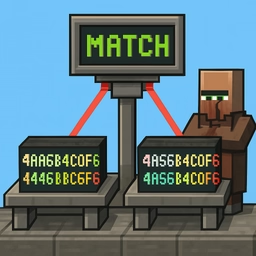






Hash comparison is useful when you need to verify integrity or explain exactly where two digests differ
A hash comparison tool becomes valuable the moment two checksums look almost the same but you cannot tell whether they actually match. This page does two related jobs: it can generate SHA hashes from plain text, and it can compare two existing hashes with character-level highlighting. That combination makes it practical for debugging downloads, validating generated assets, checking deployment artifacts and teaching how digests work.
Why the character diff matters
When two long hashes differ, the human eye is not great at spotting the exact mismatch. A character-by-character diff solves that problem immediately by highlighting the positions where the values diverge. That is especially helpful when you are checking whether a copy-paste error happened, whether a file changed unexpectedly, or whether someone sent the wrong digest. The automatic type detection also adds context by estimating whether you are looking at MD5, SHA-1, SHA-256, SHA-384 or SHA-512 based on length.
Practical workflow
If you want to hash text, generate the digest directly in the browser and copy it into the comparison panel. If you already have two hashes, paste them into the comparison fields and inspect the result. When they match, you get a quick confirmation. When they do not, the highlighted differences make troubleshooting much faster than manual scanning. Since everything runs locally in the browser, you can use the tool for sensitive examples without sending content to a server. For developers, security learners, QA teams and technical writers, it is a simple way to verify checksums and understand why two values do or do not line up.