 Tiny Online Tools
Why your capture arrives on its side
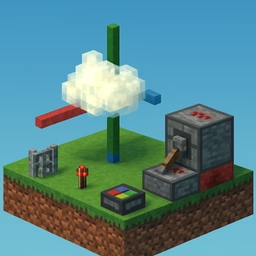
There are only a handful of axis conventions in wide use, and every capture and rendering tool picked a different one. COLMAP and OpenCV are RDF — x right, y down, z forward. glTF, three.js and SPZ are RUB — x right, y up, z back. Unity is RUF and left-handed. Blender is RFU, Z up. Unreal is FRU, Z up and left-handed.
Move a file between two of them without converting and it arrives on its side, upside down, or mirrored.
What most converters get wrong
A splat is not a point. Converting a capture correctly means rotating three things:
- the positions — everybody does this
- the rotation quaternion of every splat — most tools do this
- the spherical harmonics — almost nobody does this
Skip the third and the geometry looks right while the view-dependent shading stays bolted to the old axes: a reflection that used to slide across a surface as you walk past now slides the wrong way. This tool rotates the spherical-harmonic bands with the geometry, using rotation matrices solved directly from the same basis it evaluates the colour with.
Mirrors
Three of the possible conversions flip handedness — the matrix has determinant −1. A mirror is not a rotation and cannot be written as a splat's quaternion. Positions and scales come out exact; each splat's orientation carries only the rotational part. When that happens the tool says so, prominently, rather than handing you a scene that renders inside-out and letting you find out later.
Also here
- Uniform scale — positions and splat sizes together, so the capture keeps its shape. Metres to centimetres, or a capture trained at an arbitrary scale.
- Centre at the origin — most engines import an asset at its stored origin, and a capture's origin is wherever the reconstruction happened to put it.
The before and after are shown side by side, so a wrong choice is obvious immediately. Everything runs in your browser.