 Tiny Online Tools



What this tool measures
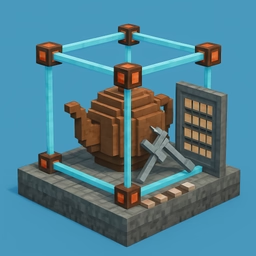
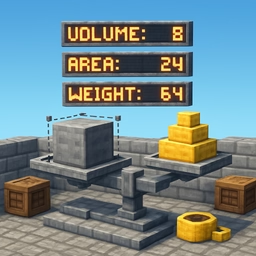
Drop in an STL, GLB, OBJ, PLY, 3MF or FBX file and it reports the numbers people actually need before printing, quoting or machining a part: the bounding box in X, Y and Z, the space diagonal, total surface area, the volume of material the surface encloses, the volume of the bounding box, how solid the model is as a percentage of that box, the footprint it occupies on a bed, and the centre of mass.
Units: the mistake that ruins prints
A 3D file has no units. An STL that stores the number 40 means 40 mm to a CAD package, 40 inches to a US machinist and 40 metres to a game engine. That single ambiguity is behind almost every "my print came out 25.4 times too small" story.
So you declare two things separately: what one unit in the file represents, and what you want the answers in. Measurement happens once and conversion is pure arithmetic — lengths scale by k, areas by k squared and volumes by k cubed — which is why the display unit can be changed instantly and why the conversion table can show every unit at once without re-reading the model.
Volume only counts if the mesh is watertight
Volume is computed with the divergence theorem: every triangle forms a tetrahedron with the origin and the signed volumes add up. That is exact for a closed, consistently wound surface — and quietly wrong for anything else. A mesh with holes has no defined inside, so any volume figure for it is meaningless.
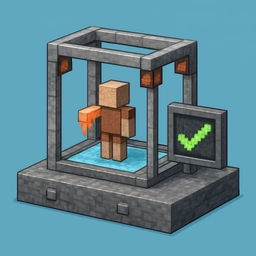
Rather than hide that, the tool analyses the topology and says so. If the surface is closed you get a green confirmation. If it has holes or non-manifold edges you get a count and a warning, and you should repair the mesh before trusting the number. If the normals point inward the magnitude is still right, and that is flagged too.
Centre of mass versus bounding-box centre
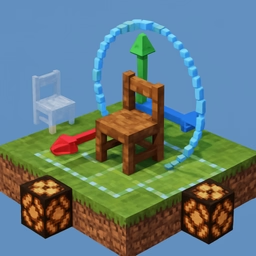
The centroid reported here is the balance point of the solid, computed by weighting each tetrahedron's centroid by its signed volume — not the middle of the bounding box. For anything asymmetric the two differ, and the gap between them predicts whether a tall print will tip over or a part needs ballast. It is only shown when the mesh is watertight; otherwise the box centre is shown and labelled as such.
Privacy
Everything runs in your browser. No file ever leaves your machine.