 Tiny Online Tools




What a part weighs, before you make it
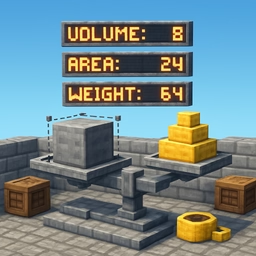
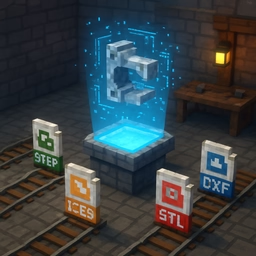
A quote, a shipping estimate, a check against a spec's weight limit — all of these need a number that a STEP or STL file does not carry directly: how much material the part actually contains. This calculator reads the file, tessellates the solid (through the same OpenCascade WebAssembly kernel used across this site's CAD tools), and integrates volume, surface area and centroid directly from the resulting triangle mesh — entirely in your browser.
What you get
- Volume, in mm³ and cm³
- Surface area, in mm² and cm²
- Centroid (X/Y/Z), useful for balance and fixture design
- Bounding box size (X/Y/Z)
- Estimated weight, in grams and kilograms, from a material density you choose
A picklist of about twenty common engineering materials — aluminium and steel alloys, titanium, brass, bronze, several plastics, wood, glass, concrete, carbon fibre — covers the usual cases, and a custom density field takes the figure straight off a datasheet for anything else. Switching material recalculates the weight instantly; it never re-tessellates the file.
An honest approximation, not exact integration
STEP, IGES and BREP files describe exact mathematical surfaces with no triangles of their own. To measure them, this tool tessellates the solid first and then applies the divergence-theorem (signed-tetrahedron) method to the resulting mesh — the same technique CAD software itself uses internally, just applied to an approximating mesh instead of the exact B-Rep. A coarse tessellation, with fewer and bigger triangles, chords curved surfaces slightly short and under- or over-estimates volume by a small amount; a finer one converges toward the true value.
The accuracy control exposes that trade-off directly. Draft is fast and good for a rough figure; Standard is a solid default; High and Maximum push the tessellation finer for a part where the last fraction of a percent matters, at the cost of a slower pass — because the mesh doesn't exist until it's generated at a given deflection, changing accuracy reruns the whole calculation.
When a file has more than one solid
An assembly's totals are shown alongside a per-part volume breakdown, so you can see which solid in a multi-body file is doing most of the weight.
Privacy
CAD files are often commercially sensitive. Nothing here is uploaded — tessellation and every calculation run locally in your browser.