 Tiny Online Tools
How to Create Scribble SVG Shapes Fast
How to Create Scribble SVG Shapes Fast
If you want graphics that feel hand-drawn without actually drawing them by hand, the SVG Scribble Generator is a great place to start. It turns simple geometric ideas into rough, organic, sketch-style SVG shapes that look playful instead of polished. That makes it especially useful when you want a design to feel casual, creative, or a little imperfect on purpose.
The best part? You can create scribbly circles, ellipses, rectangles, hearts, and blob-like shapes in seconds. No upload workflow, no complicated vector editing, and no need to start from scratch in a design app. If you have a concept and want a fast visual foundation, SVG Scribble Generator gives you a clean shortcut.

Why scribble SVG shapes are useful
Scribble-style SVGs sit in a sweet spot between rough sketch and reusable vector asset. They are easy to scale, easy to recolor, and easy to reuse across websites, social graphics, product pages, and presentations.
Here are a few situations where they shine:
- Landing pages: Use scribble outlines to highlight a feature, CTA, or callout.
- Social content: Add a sketch-like frame or background accent that feels less corporate.
- Brand experiments: Test a more playful visual direction without committing to a full illustration system.
- Presentation graphics: Quickly build decorative shapes that keep slides from looking too rigid.
Because the output is SVG, you get the flexibility that raster images usually lack. That means the shapes can stay crisp at any size, which is a big deal if you need them in both small UI spots and large hero sections.
What the SVG Scribble Generator does
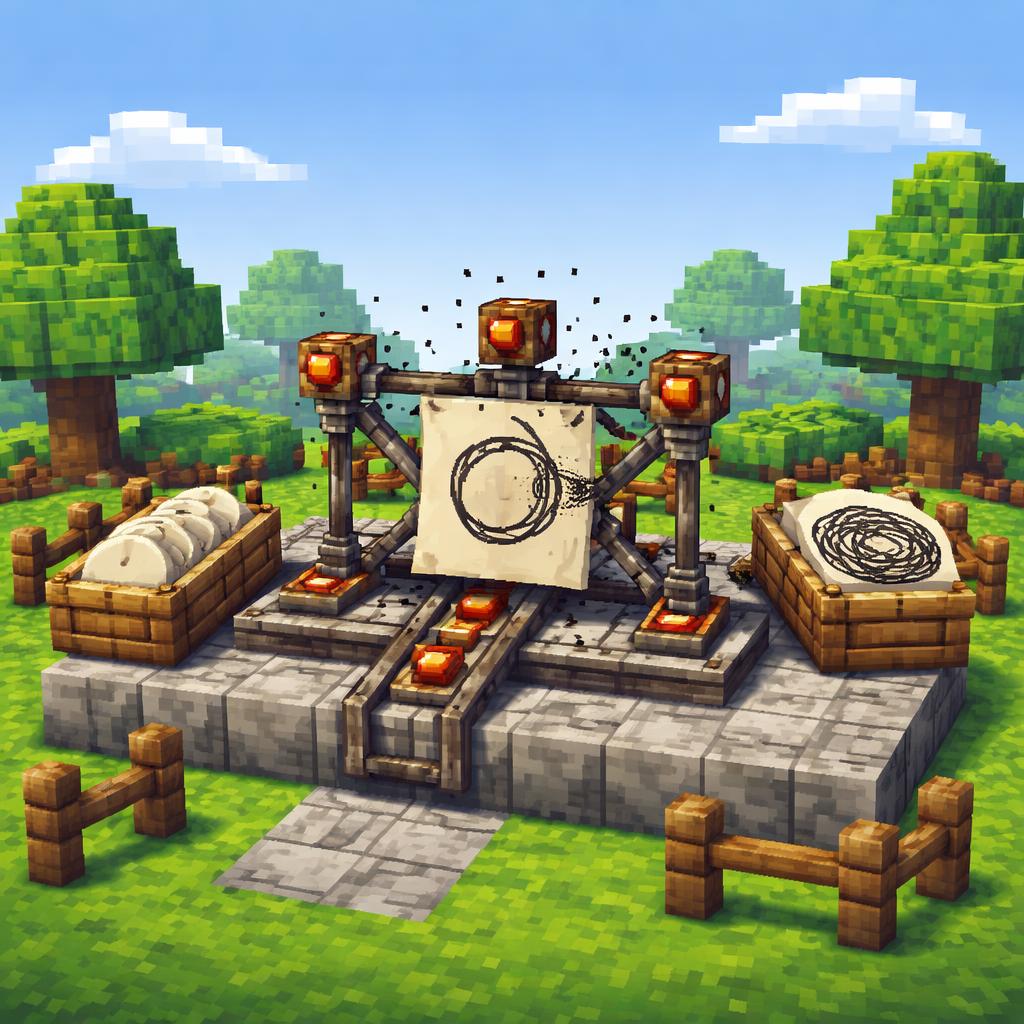
The SVG Scribble Generator is designed to create hand-drawn-looking versions of common shapes. According to its tool description, it can generate scribble SVG circles, ellipses, rectangles, hearts, and blobs using overlapping rough strokes.
That’s the core value: you start with a familiar shape, then the tool gives it an organic, sketch-style personality. It’s ideal when you want something that feels a little more human and a little less geometric.
A few smart ways to use it
1) Create playful highlight shapes
Need a callout bubble, emphasis ring, or decorative container? A scribbly circle or blob can make a section feel more dynamic than a standard border box.
2) Build sketch-style social graphics
Sketchy SVG hearts or blobs are great for banners, thumbnail accents, and story-style visuals. They stand out because they feel custom, even when they are created quickly.
3) Prototype a brand direction
If you’re exploring a more handmade or editorial look, this tool helps you test that style before investing time in a larger illustration system.
4) Add texture to otherwise clean layouts
A lot of modern interfaces are intentionally minimal. Scribble shapes can soften that look and make a page feel less sterile.

How to use it
Using the tool is straightforward:
- Open the SVG Scribble Generator.
- Choose the shape you want, such as a circle, heart, rectangle, or blob.
- Adjust the available settings to get the roughness and look you want.
- Generate the SVG.
- Download or copy the result into your project.
If you want a related visual style, try the SVG Bauhaus Art Generator for a cleaner geometric look, or the SVG Vortex Pattern Generator for a more swirling background effect.
Tips for better results
A few practical tips can help you get more from the tool:
- Match the shape to the message. Hearts feel friendly, blobs feel casual, and circles feel simple and versatile.
- Use scribbles sparingly. One or two well-placed accents often work better than covering everything in sketch lines.
- Pair with clean typography. The contrast between rough shapes and neat text makes the design feel intentional.
- Think in layers. Scribble shapes can work as backgrounds, underlines, frames, or floating accents.
- Keep your palette tight. Because the shape itself already adds energy, too many colors can make the composition feel busy.
If you’re building around decorative SVGs, you may also find the SVG Squiggly Lines Generator useful for dividers and textures, the SVG Perspective Grid Generator for depth and layout structure, and the SVG Heart Generator for more polished heart-based artwork.
Final thoughts
The SVG Scribble Generator is one of those tools that saves time while still making your design look considered. Instead of drawing rough outlines manually, you can create sketch-style SVG shapes fast and move on with the rest of your project.
If you need something organic, lightweight, and easy to reuse, this is a simple tool with a lot of creative mileage. And because it outputs SVG, the results stay flexible enough for web, social, and presentation work alike.
For quick sketch graphics, the SVG Scribble Generator is a smart first stop.