 Tiny Online Tools
How to Use SVG Perspective Grids for Depth and Drama
How to Use SVG Perspective Grids for Depth and Drama
If a flat design feels a little too flat, a perspective grid can instantly make it feel like a scene with space, direction, and energy. That’s exactly why the SVG Perspective Grid Generator is such a handy browser tool: it creates one-point perspective grid SVGs with a customizable vanishing point, so you can build depth backgrounds, retrofuturistic scenes, and illustration overlays without leaving your tab.
The best part? You don’t need a design app to sketch the underlying structure. You can generate a clean grid, drop it into a composition, and start making things look intentionally dimensional instead of randomly arranged. Whether you’re designing a poster, building a landing-page hero, or planning a stylized illustration, the SVG Perspective Grid Generator gives you a fast visual scaffold.
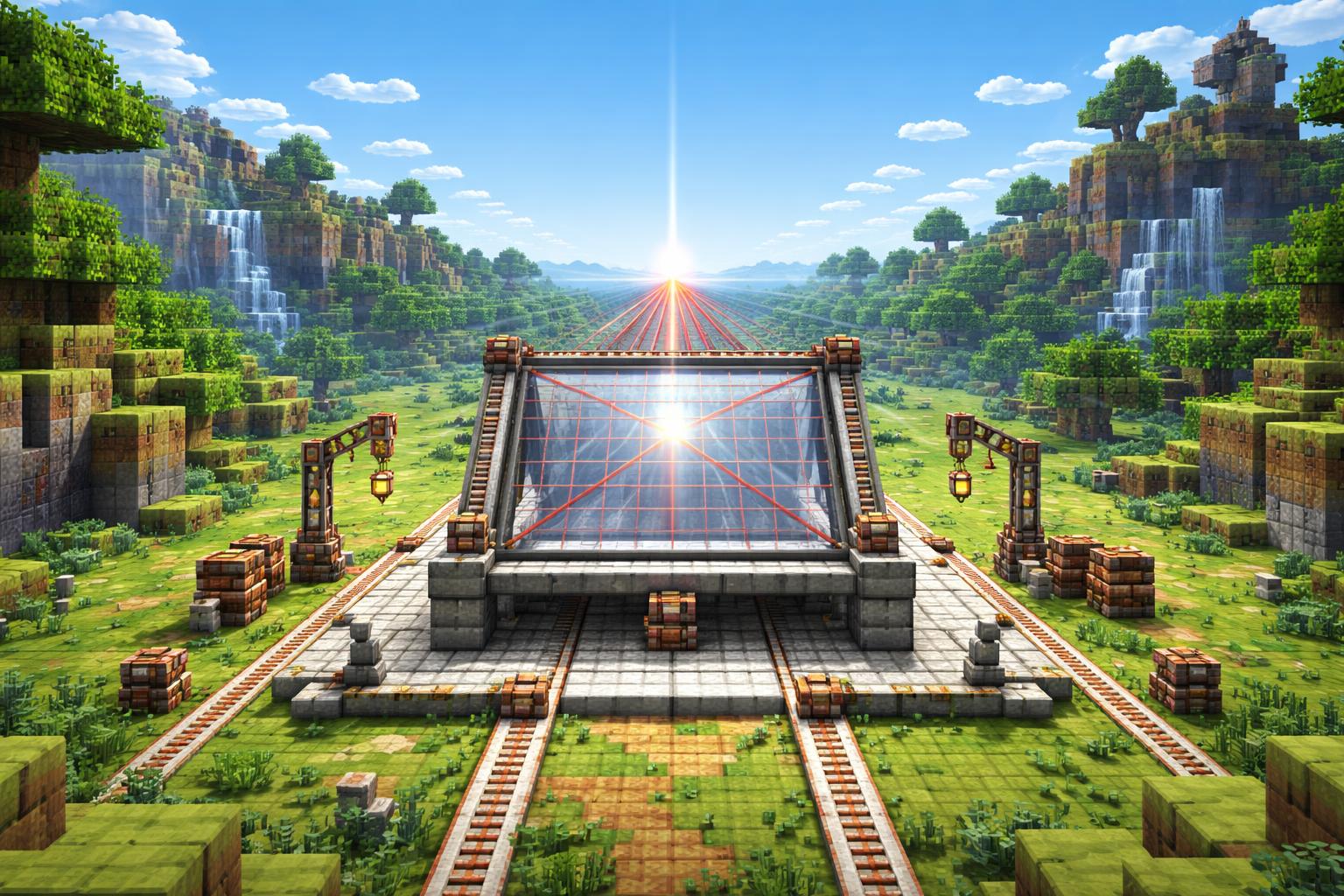
What a perspective grid actually helps you do
A perspective grid is a simple framework for showing depth. Lines converge toward a vanishing point, which makes objects appear farther away as they move into the distance. In practical terms, that means you can:
- map out a road, hallway, or city street
- place product mockups or illustration elements in a believable scene
- create retrofuturistic backgrounds with strong visual pull
- guide a viewer’s eye toward a headline, logo, or focal point
That’s why the SVG Perspective Grid Generator is useful for both artists and non-artists. It’s not just a “grid maker”; it’s a way to add structure before you start decorating.
Three real ways to use it
1. Build depth backgrounds for web design
If you’re working on a hero section or a feature graphic, a perspective grid can give the page a sense of motion. Use the grid as a subtle layer behind your main content, then place shapes, panels, or light beams along its lines.
This works especially well for futuristic interfaces, startup landing pages, and game-inspired layouts. A grid can imply a world extending beyond the screen without overwhelming the design.
2. Plan illustration composition
Before drawing a scene, many illustrators block in perspective first. The SVG Perspective Grid Generator makes that step painless. You can use it to preview where roads recede, where buildings taper, or how objects should scale as they move toward the horizon.
If you like experimenting with looser, hand-drawn looks, pair it with SVG Scribble Generator. The contrast between a strict grid and rough sketch shapes can be great for concept work.
3. Create retro and geometric visuals
Perspective grids are a classic ingredient in retrofuturistic art. Think synthwave highways, wireframe corridors, and dramatic scene mockups. They also play nicely with more decorative SVGs like SVG Vortex Pattern Generator and SVG Squiggly Lines Generator, especially when you want one layer to feel structured and another to feel energetic.
If you prefer a more graphic, poster-like look, you can even combine the grid with SVG Bauhaus Art Generator or SVG Dot Grid Pattern for a cleaner visual system.
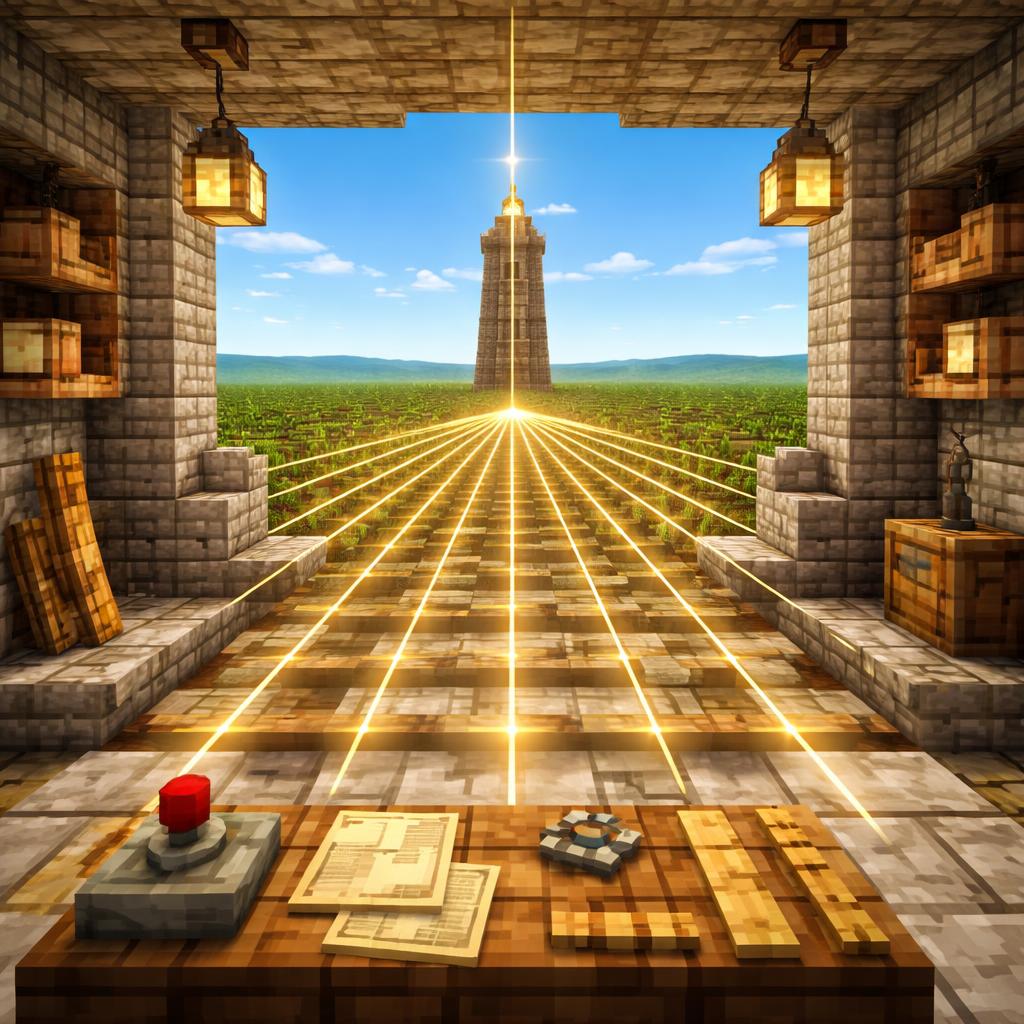
How to use SVG Perspective Grids in a few steps
Here’s a simple workflow that works for most projects:
- Open the SVG Perspective Grid Generator.
- Choose a vanishing point that matches your composition.
- Generate the grid and preview how the lines converge.
- Download or copy the SVG into your design workflow.
- Place your objects, text, or illustration elements so they follow the perspective.
- Tweak the grid if the scene needs a different depth angle.
That’s all it takes to get a believable spatial guide in place.
Tips for better results
- Keep the vanishing point off-center if you want more drama.
- Use a subtle grid in the background and a stronger one for planning.
- Match the grid scale to the size of your subject.
- Don’t let the grid dominate the final design; it should support the composition.
- If your scene feels too rigid, soften it by mixing in organic shapes from SVG Scribble Generator.
A good perspective grid should make decisions easier, not harder. The goal is to speed up composition and improve clarity.
When this tool is worth opening
Use the SVG Perspective Grid Generator any time you want:
- a fast one-point perspective guide
- a depth background for a landing page
- a structural overlay for concept art
- a visual base for retro or sci-fi graphics
It’s especially helpful when you need a result that looks intentional but don’t want to build the geometry from scratch.

A simple creative combo
One of the easiest ways to get more mileage out of this tool is to combine it with other SVG generators. Start with a perspective grid for structure, then layer in patterns or expressive marks. For example:
- background texture from SVG Dot Grid Pattern
- motion accents from SVG Squiggly Lines Generator
- focal burst from SVG Vortex Pattern Generator
That mix gives you both order and movement, which is often what a composition needs to feel alive.
Final takeaway
If you want depth without the friction, the SVG Perspective Grid Generator is a smart place to start. It helps you think spatially, compose faster, and build graphics that feel more cinematic.
For designers, illustrators, and anyone making web visuals, it’s one of those utilities that quietly saves time every time you use it.