 Tiny Online Tools
How to Use SVG Perspective Grid Generator for Depth Effects
How to Use SVG Perspective Grid Generator for Depth Effects
If you’ve ever tried to make a flat composition feel like it has real depth, you already know how powerful perspective can be. That’s exactly where SVG Perspective Grid Generator earns its keep. It creates one-point perspective grid SVGs with a customizable vanishing point, so you can sketch backgrounds, layout scenes, and build illustration overlays without drawing the grid by hand.
That may sound niche, but it’s incredibly practical. A good perspective grid can help you place objects consistently, guide a scene into the distance, and give your design a cleaner sense of structure. And because this tool outputs SVG, it’s easy to scale, reuse, and layer into other projects.
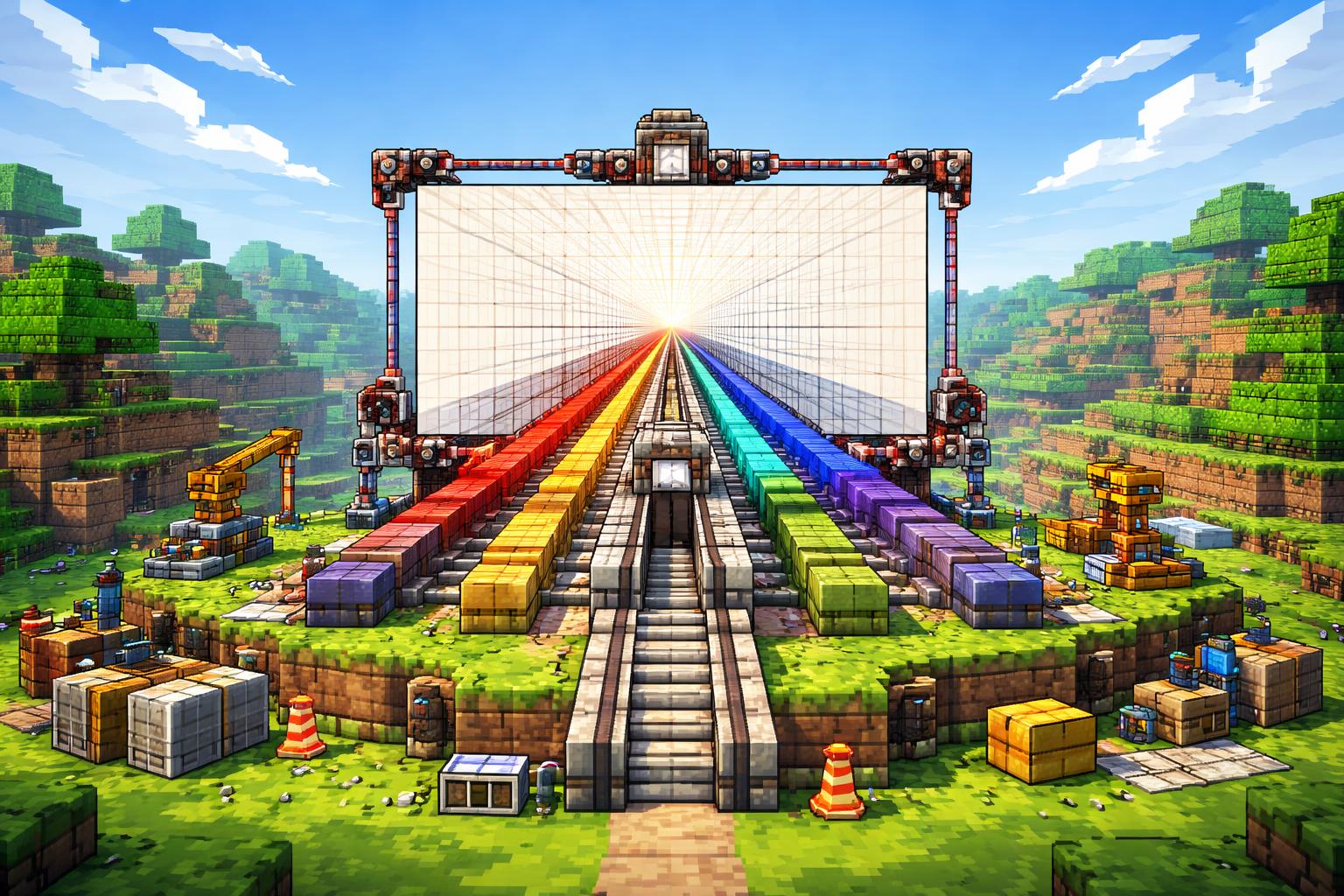
Why perspective grids matter
A perspective grid is a visual scaffold. It gives you a vanishing point and a set of lines that help objects appear correctly sized as they recede.
That matters for a lot of workflows:
- UI mockups and illustration layouts where you want depth but not chaos
- Retro or sci-fi scenes that need a strong central vanishing point
- Background textures and overlays for posters, thumbnails, and concept art
- Educational visuals when you want to explain depth, scale, or spatial composition
Because SVG Perspective Grid Generator is free and requires no upload, it’s a fast way to get from idea to usable grid.
Three practical ways to use it
1. Build depth backgrounds
If your scene feels flat, drop in a perspective grid as a background layer. It instantly gives your layout a structural anchor. You can use it behind product illustrations, cityscapes, hallway scenes, or anything that benefits from a clear sense of distance.
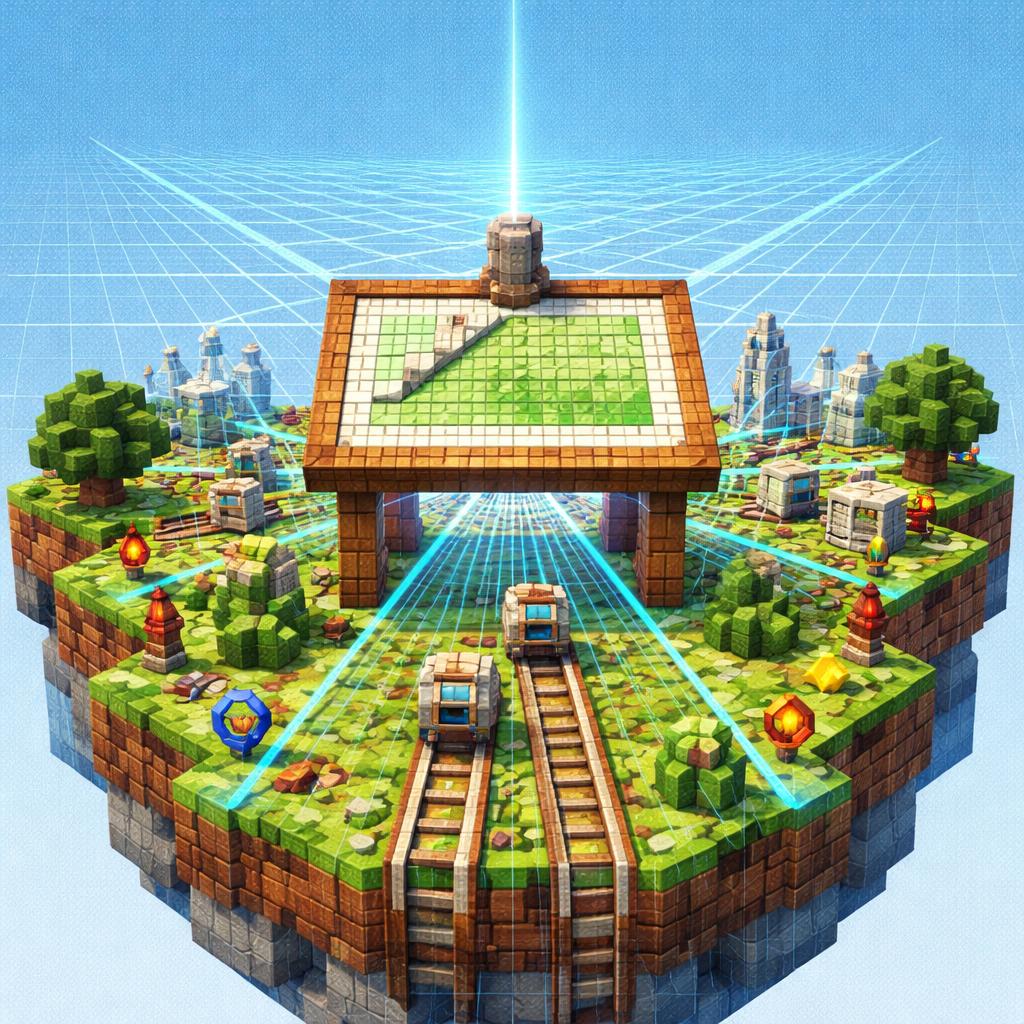
2. Plan retrofuturistic scenes
Perspective grids are especially useful when you’re designing environments with roads, towers, panels, or repeating geometry. The grid helps you place objects in the right spots, and the vanishing point keeps everything visually coherent.
If you like geometric visuals, try pairing this tool with SVG Bauhaus Art Generator for bold shapes, or SVG Dot Grid Pattern when you need a cleaner background texture.
3. Create illustration overlays
Sometimes the grid itself becomes part of the art. A faint perspective scaffold can sit on top of a scene to make it feel technical, futuristic, or architectural. That’s a great use case for tutorials, title art, and design presentations.
For more organic or decorative overlays, the related tools are handy too: SVG Squiggly Lines Generator for lively motion, SVG Vortex Pattern Generator for swirling energy, and SVG Scribble Generator for hand-drawn texture.
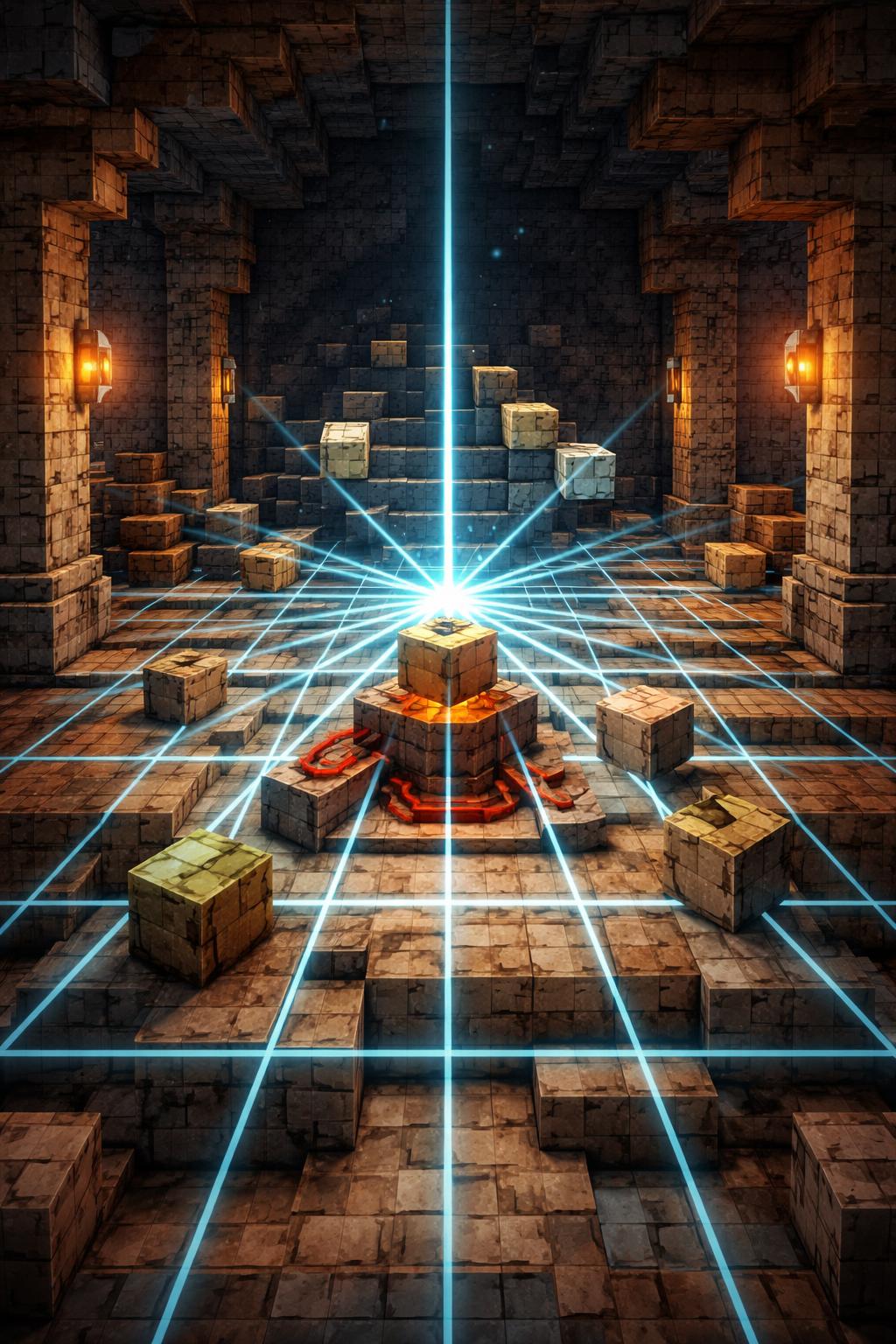
How to use SVG Perspective Grid Generator
Here’s the simplest workflow:
- Open SVG Perspective Grid Generator.
- Choose the vanishing point position that matches your scene.
- Adjust the grid spacing and layout until the perspective feels natural.
- Export the SVG and place it into your design tool or editor.
- Scale or recolor the grid as needed for your composition.
That’s the core value: you can go from a blank page to a ready-made depth guide in seconds.
Tips for better results
A few small choices make a big difference:
- Match the vanishing point to the subject. If your subject is centered, keep the grid centered too.
- Use the grid lightly. In finished artwork, subtlety usually works better than a bold overlay.
- Combine it with other patterns carefully. If you layer it with another SVG texture, make sure one element stays dominant.
- Think about foreground, midground, and background. Perspective grids shine when they help separate these layers.
If you’re experimenting with visual style, it’s worth comparing SVG Perspective Grid Generator with flatter decorative tools like SVG Dot Grid Pattern. The perspective grid is about spatial logic; the dot grid is about surface texture.
When to reach for it
Use this tool when you need:
- a fast depth guide for concept art
- a technical backdrop for diagrams or tutorials
- a retrofuturistic scene with strong geometry
- an SVG overlay that stays crisp at any size
If your project needs structure, SVG Perspective Grid Generator is one of the simplest ways to get there.
Final thoughts
Perspective can do a lot of heavy lifting in design, and this tool makes it easy to use without extra setup. Whether you’re blocking out a scene, adding depth to a background, or building a stylized overlay, SVG Perspective Grid Generator gives you a clean starting point.
Use it when you want your composition to feel intentional, spacious, and visually grounded.