 Tiny Online Tools
The Fastest Way to Make a vCard QR Code
The Fastest Way to Make a vCard QR Code
If you still send contact details by typing them out, copying and pasting them, or hoping someone saves your number correctly, you are doing extra work for no reason. A vCard QR code fixes that in one scan. With the vCard QR Generator, you can turn contact details into a scan-ready code that phones can use to add a contact directly.
That matters more than it sounds. At events, trade shows, client meetings, and even casual networking, the difference between "I'll save you later" and "saved instantly" is huge. A clean QR code removes friction, reduces mistakes, and makes it much more likely that someone keeps your details.
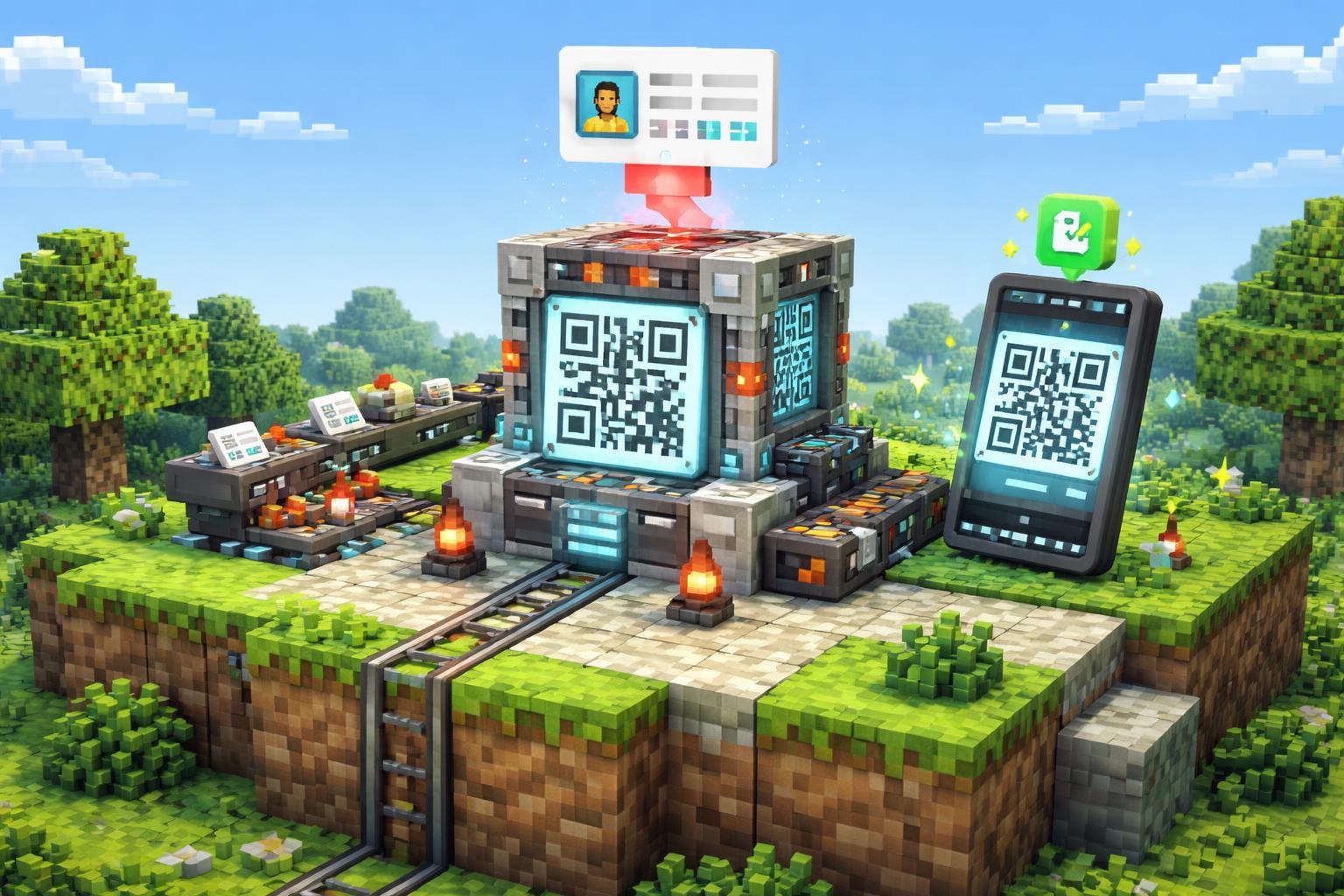
What the vCard QR Generator does
The vCard QR Generator creates a QR code for a contact card. When someone scans it, their phone can open the contact and add it directly. In plain English: fewer typos, fewer lost cards, and a much faster handoff of your name, phone, email, and other contact info.
This is especially useful because people already know how to scan QR codes. You are not asking them to install anything special or learn a new process. You are just making your contact details instantly accessible.
Three practical ways to use it
1. Networking events and conferences
If you attend events regularly, a vCard QR code can live on your badge, slide deck, business card, or follow-up email. Instead of repeating your details ten times, you let people scan once and move on.
2. Small business and freelance outreach
Freelancers and independent consultants often need a simple way to share contact details during calls, demos, or in-person meetings. A QR code makes your contact info look polished and saves time. It also pairs well with other sharing workflows, like a regular QR Code Generator for links or campaign pages.
3. Team contact sharing
A vCard QR code is handy for front-desk staff, sales teams, recruiters, and support teams who want a consistent way to share a contact card. If you need to create many codes for different people, the QR Code Batch Generator is worth a look too.
Why this is better than typing details manually
Manual contact sharing sounds easy until you factor in friction:
- Someone mishears a number.
- An email address gets typed incorrectly.
- A contact gets saved under the wrong name.
- The other person says they will add it later and never does.
A vCard QR code reduces all of that. It is faster, more reliable, and much easier to use in busy environments. And because the vCard QR Generator is browser-based, it fits neatly into a lightweight workflow.
Tips for a better QR code experience
Keep the contact details clean and current. If the number changes, regenerate the code. Use the same contact format everywhere so your website, email signature, and printed materials all match. If you are placing the QR code on a card or flyer, leave enough whitespace around it so it is easy to scan.
It also helps to test the code on more than one phone before printing or publishing it. A quick scan check can save you from a batch of unusable materials.
If you are working with people who already have a QR scanning habit, the QR Code Scanner can help you verify that a code reads properly during your own testing.
How to use the vCard QR Generator
Here is the simplest workflow:
- Open the vCard QR Generator.
- Enter the contact details you want people to save.
- Generate the QR code.
- Scan it with a phone to confirm it opens the right contact.
- Download or reuse it wherever you need to share your details.
That is all it takes. The process is short, but the payoff is big: one code that can carry a full contact card wherever you need it.
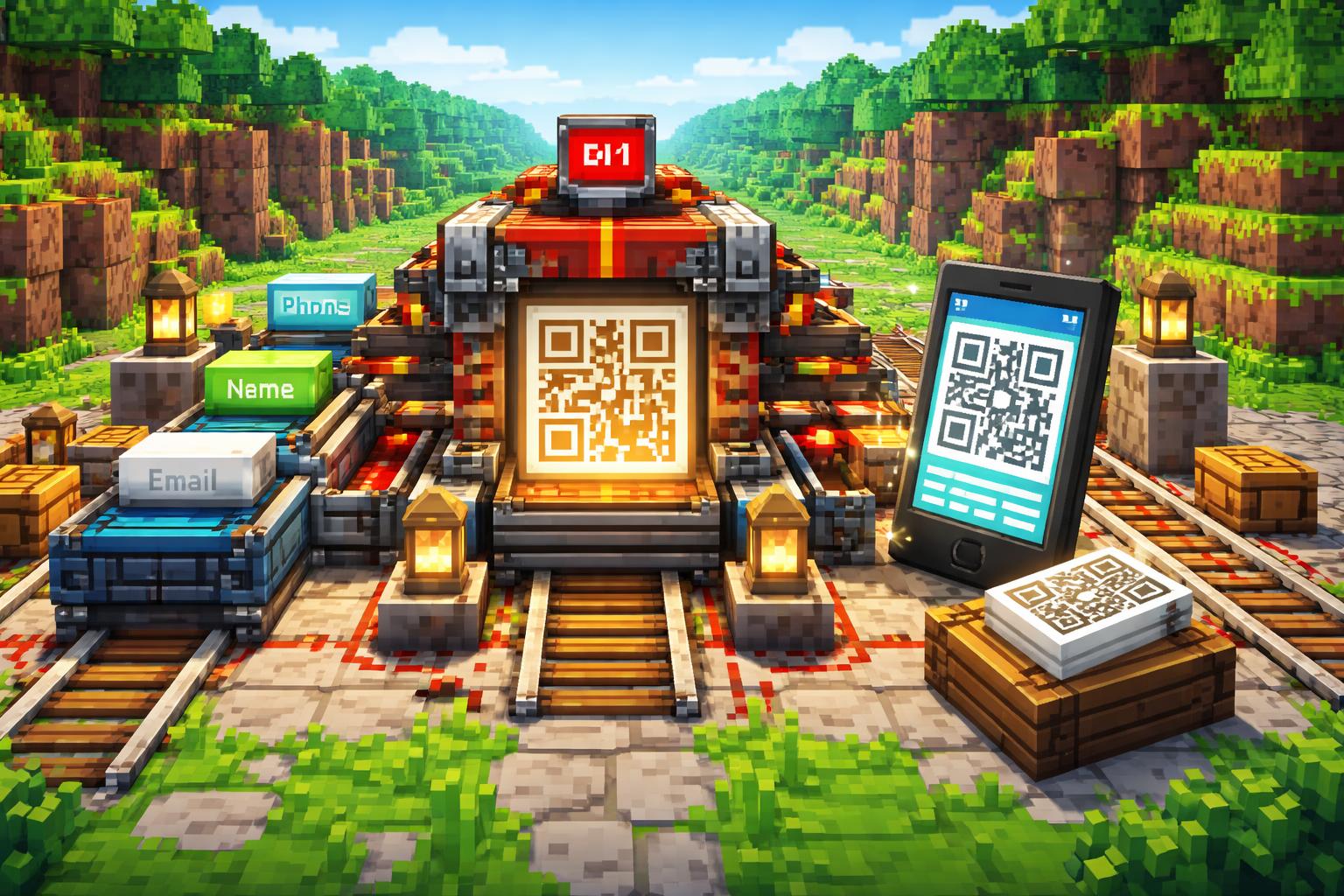
Related tools for QR workflows
The vCard workflow sits in a useful family of tools. If you need another kind of scannable code, the WiFi QR Generator is great for sharing network access without typing passwords. If you are organizing contacts and need to combine vCard files, the VCF Contact Merger can help clean things up first.
For readers who simply want the classic utility, the QR Code Generator covers text and URLs, while the QR Code Batch Generator is ideal when you need many codes in one go.
Final thoughts
A good contact-sharing system should feel invisible. That is what makes the vCard QR Generator so useful: it turns something tedious into something immediate. Whether you are networking, running a business, or just making sure people can save your details correctly, a vCard QR code is one of the fastest ways to do it.
If you want a cleaner, faster contact handoff, start with the vCard QR Generator and keep the workflow simple.