 Tiny Online Tools



CSS minification is useful when you want stylesheets to ship faster and weigh less
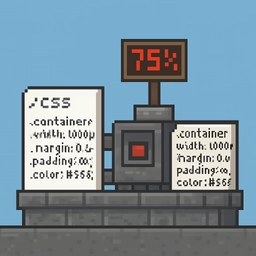
A CSS minifier is the right tool when you are preparing code for production and want to reduce every unnecessary byte. It removes comments, collapses whitespace, trims redundant punctuation and generally turns a readable stylesheet into a compact delivery format. That is valuable because smaller CSS files can reduce transfer size and sometimes improve the time it takes for a page to become usable. It is also handy when you need to compare an original file with the optimized version and explain exactly what changed.
Why the savings are worth checking
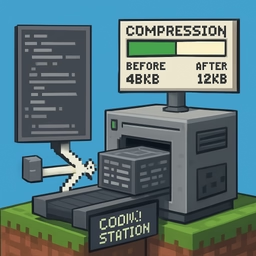
The byte counters in this tool help you quantify the effect rather than guessing. Seeing the original size, the minified size and the percentage saved makes it easier to decide whether the optimization is meaningful. Sometimes the gains are huge, especially in large or messy stylesheets. Other times the file is already compact and the savings are modest, which is still useful information. Since the minifier runs locally in the browser, you can test files quickly without worrying about upload steps or leaving the page.
Practical use cases
This tool is especially helpful before deployment, after exporting styles from a design system or framework, and when you want to verify that a stylesheet can be shipped in its smallest sensible form. It also works well as a learning aid, because you can compare minified CSS with the readable source and understand which optimizations are safe. If the output looks too aggressive for your workflow, keep the readable source as the master file and use the minified version only for delivery. That separation keeps maintenance comfortable while still giving you the performance benefit.