 Tiny Online Tools


Hex Palette Extractor
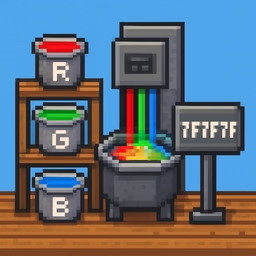
Analyze any image and instantly extract its dominant color palette. Perfect for designers and developers who need to match or recreate a visual aesthetic from photographs, artwork, or existing designs.
How color extraction works
The tool samples thousands of pixels across your image and uses color quantization algorithms to identify the most prominent colors. It ignores near-white and near-black tones by default, focusing on the colors that give your image its unique character. You control the palette size, extracting anywhere from 3 to 16 dominant colors.
Multiple color formats
Each extracted color is displayed as a visual swatch alongside hex codes, RGB values, and HSL representations. The tool also identifies the nearest CSS color name for each swatch, making it easy to reference colors in conversations or documentation. Click any swatch to copy its hex code instantly.
Design workflow integration
Designers use this tool to build color schemes from mood boards, competitor websites, or inspiration images. Developers use extracted palettes to maintain visual consistency across projects. The export feature lets you save your palette as CSS custom properties, SCSS variables, or JSON data for immediate use in stylesheets and design systems.
Real-world applications
Create brand color guides from logo images, build responsive color systems from product photography, match website colors to brand guidelines, or generate cohesive palettes for web and mobile applications.