 Tiny Online Tools



Reading order is not visual order
A screen reader does not read a PDF page from the top down. It reads the /K arrays of the structure tree in the order they appear, and those arrays record whatever order the producing application wrote things in. A two-column layout exported from a design tool routinely reads the left column, then a caption, then half the right column, then a footnote — and nothing about the page looks wrong.
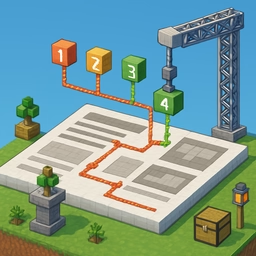
This editor shows both orders at once. Every structure element is numbered on the page in the order the file declares, and listed beside it in the same sequence.
Two ways to fix it
Drag the list. Rows carry their nesting depth; dropping a row into another branch re-parents it, and the indent buttons nest a row inside the one above it.
Or click the page. Turn on picking and click the elements in the order they should be read. On a badly-ordered page this is far faster than dragging, and it is what makes this a visual editor rather than a tree view.
You can also change an element's role (/P → /H2, /Figure → something else), edit its /Alt text, and take an auto-order suggestion computed from the layout — columns detected by their gutter, then top to bottom within each column. The suggestion is shown as a diff against the current order so you can accept or reject it rather than have it applied silently.
What is written, and what is verified
Only the structure tree changes: the /K arrays are rebuilt, moved elements get a new /P, and roles and /Alt are set. Page content is never touched, so the pages look exactly as they did. The /ParentTree stays correct because reordering never changes which element owns which marked-content id.
After saving, the file is re-opened and its structure tree is read back. The role sequence it reports is shown, pass or fail.
Untagged documents
A PDF with no structure tree has no reading order to edit. Where the page content allows it, a starting tree can be generated: each text block is wrapped in marked content and given a role guessed from its font size. That is a draft for a human to review — no figure gets alt text, no table becomes a table — and the tool says so before and after.
Privacy
Everything happens in your browser. The PDF is never uploaded.