 Tiny Online Tools





Soft, Dreamy Backgrounds Without Heavy Images
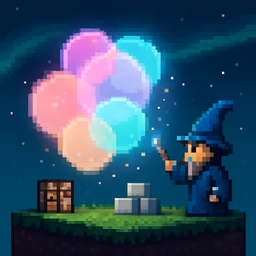
Blurry colorful backgrounds — sometimes called "aurora" or "abstract gradient" backgrounds — have become a go-to style for landing pages, dashboards, and app splash screens. Instead of shipping a heavy PNG, this generator emits a few SVG ellipses blurred through an feGaussianBlur filter: the result is crisp at any resolution, weighs only a few kilobytes, and takes full advantage of the browser's GPU.
How It Works
The tool scatters a handful of ellipses randomly over an 800×600 viewBox using a seeded random function. Each ellipse picks a color from your palette. The whole group is wrapped in an SVG filter that applies a strong Gaussian blur — enough that the individual shapes smear into each other and you get that soft, cloud-like look.
Controls
- Shapes — how many blurred ellipses to draw. More shapes give richer, busier backgrounds.
- Blur — strength of the Gaussian blur. Low blur keeps shapes distinct; high blur melts everything into a gradient.
- Size variance — how much the shapes vary in size.
- Palette — up to five custom colors. Add or remove colors to match your brand.
- Background — a solid fill rendered behind the blurred shapes.
- Seed + Re-roll — re-roll to try new arrangements; the same seed always gives the same result.
Common Uses
- Hero section backgrounds
- Modern app splash screens
- OG / social share images
- Pricing section backdrops
- Card backgrounds for marketing pages
The SVG stretches to any container with width: 100% thanks to preserveAspectRatio="none". Drop the output straight into your HTML, React, or design tools — or tweak the colors later with a text editor.