 Tiny Online Tools
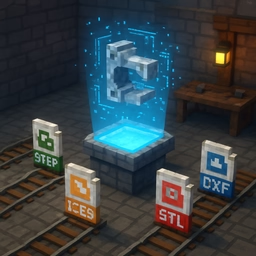



A STEP or IGES assembly is a tree of parts and sub-assemblies, but most CAD conversion tools only let you export the whole thing as one flat mesh. If all you need is the one bracket, the one plate, or one arm of a larger mechanism, that means opening a full CAD package just to isolate it — or converting everything and hunting for the right solid inside the result.
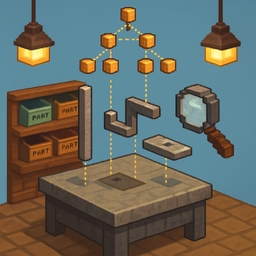
This tool skips that. It reads the file with the same OpenCascade kernel used across the site's CAD tools, rebuilds the real product hierarchy, and shows it as a checkable tree: every sub-assembly and leaf part, with its own mesh count next to it. Check any combination of nodes — a single part, a whole sub-assembly, several unrelated ones — and preview whichever you last touched in the 3D viewport before committing to anything. Pick a target format (STL, GLB or OBJ) and export: one checked node downloads directly, more than one gets zipped together with sensible, collision-safe filenames.
A node's exported geometry is exactly what the tessellation pass produced for it, at whatever quality preset you had selected — raising the quality re-tessellates the whole file and produces a finer mesh for every part, not just the one you're about to export, so set it before picking parts if the file is large. Nothing is uploaded anywhere: the STEP file is read, tessellated and exported entirely inside your browser.
Useful for pulling one part out of a supplier's assembly to 3D print it standalone, checking a single component's geometry in a mesh-only tool, or building a parts library out of an assembly file without touching a CAD license.