 Tiny Online Tools


ASCII to image is useful when plain text art needs to become something you can share
ASCII art often starts as a playful block of text, but there are many situations where you want to turn it into a clean image. Maybe you want to post it to social media, drop it into a slide deck, archive it in a design system, or export a terminal-style screenshot without taking a screen capture. This tool makes that easy by rendering your text onto a canvas and letting you download the result as PNG or JPG.
Why the styling controls matter
Font choice, size, padding and color can change the look of ASCII art a lot. A monospaced font keeps alignment stable, while the font size controls how much detail survives in the final image. Padding helps the art breathe inside the frame, and foreground and background colors make it fit better into different contexts. The live preview is especially helpful because you can see whether your spacing still looks right before you download anything.
Practical workflow
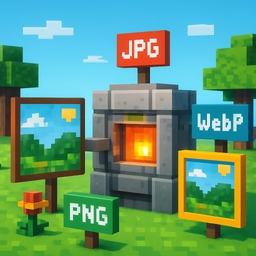
Paste your ASCII art, adjust the styling until the proportions look right, and then choose PNG for crisp, lossless output or JPG for a smaller file. If your artwork uses many lines, check the line count before exporting so you do not end up with a very tall image. The best part of this kind of tool is that it preserves the structure of the text while making it easier to reuse in places where plain monospaced text would be awkward. It is a small workflow upgrade, but for artists, educators and documentation writers it saves time and makes sharing much cleaner.