 Tiny Online Tools




Use ROT13 and ROT47 as lightweight text transformations, not security
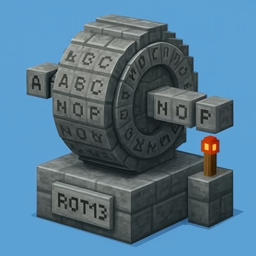
ROT13 looks like a cipher, but it is really a simple letter rotation that is symmetrical by design. That makes it great for quick obfuscation, classroom examples and small text puzzles, but not for hiding secrets. This tool also supports custom Caesar shifts from ROT1 to ROT25, plus ROT47 for the full printable ASCII range, so you can experiment with different kinds of reversible text rotation in one place.
When each mode is useful
ROT13 is handy when you want a message to be readable only after a second step, such as joke text, hints or simple demonstration content. ROT47 goes further by rotating symbols and numbers too, which makes it better for obfuscating mixed punctuation-heavy strings. The custom rotation slider is useful for learning how substitution changes text and for checking how a specific shift behaves across a sample.
Practical workflow
A good way to use this tool is to paste the text, compare the output for ROT13, a custom rotation and ROT47, and then decide which version matches your goal. Because the alphabet mapping appears alongside the output, you can see exactly how each character moved. That makes it easier to teach the concept, explain a result to someone else, or verify a transformation without guessing. It is a small tool, but it is surprisingly useful whenever you want reversible obfuscation that stays fully local in the browser.