 Tiny Online Tools



AVIF to JPG Converter
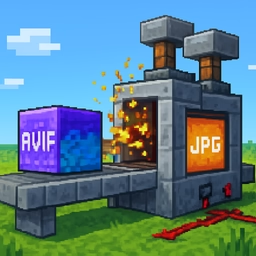
Convert AVIF images to the universally supported JPG format in seconds. AVIF offers excellent compression, but JPG is still the safest bet for compatibility across every browser, operating system, and application.
Why AVIF to JPG
AVIF (AV1 Image File Format) produces small, high-quality images thanks to modern video codec technology. Despite that, older devices, legacy software, many email clients, and some content management systems still cannot open AVIF files. Converting to JPG guarantees the image will display anywhere.
How conversion works
Modern Chrome, Firefox, Edge, and Safari can decode AVIF natively. This tool loads the AVIF file into an <img> element, draws it onto a canvas, and asks the canvas to re-encode it as JPG. Everything happens in your browser — no server uploads, no tracking, no privacy concerns.
Quality and background
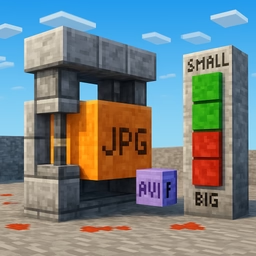
- Quality slider from 1 to 100. Values around 90–95 produce excellent results with file sizes typically larger than the AVIF source (JPG is less efficient).
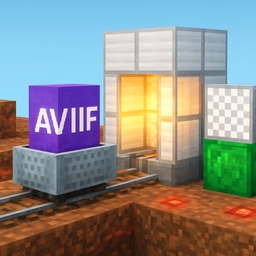
- Because JPG has no alpha channel, choose a background color that replaces any transparent regions in the AVIF. White is the default and works for most photographs.
Batch conversion
Select an entire folder of AVIF files at once. Each file is converted in parallel and you get a list of download links with size comparisons so you can decide whether JPG or AVIF suits your use case.
Great for sharing and legacy systems
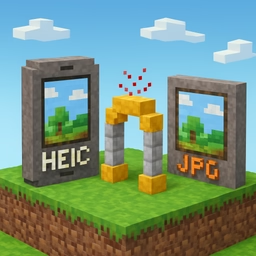
Use this converter to prepare images for old browsers or apps, for blog platforms that only accept JPG/PNG, for printing services, or for email attachments where recipients may use outdated software.
Privacy
Your AVIF files never leave your device. Everything runs through the Canvas API in your own browser.