 Tiny Online Tools






Protect a PDF with a Password
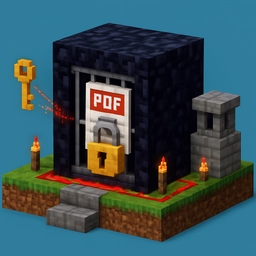
The PDF Encrypt Tool adds a standards-compliant password and permissions layer to any PDF. It uses PDF 1.4's Standard Security Handler (Revision 3, RC4-128) — the same mechanism found in Acrobat, macOS Preview, and most desktop PDF editors.
Two Passwords, Two Purposes
- User password — required just to open the file. Without it, readers refuse to display contents.
- Owner password — required to change permissions. A recipient who only has the user password can view the file but not (cleanly) bypass printing / copying / modifying restrictions.
You can set one or both. If you leave the owner password empty, it defaults to the user password.
Permission Flags
- Printing — disable to produce a view-only document.
- Text / image copy — disable to prevent trivial extraction via select-and-copy.
- Modification — disable to discourage form filling, annotation, or content edits.
Keep in mind that these are soft restrictions: a determined user with the right tools can strip them. Encryption protects against casual viewing, not against well-resourced attackers. For truly sensitive documents, consider full-file encryption (GPG, 7z AES-256) on top of the PDF.
Common Uses
- Sending contracts or invoices by email with a handshake-shared password
- Distributing review copies where printing or copying isn't desired
- Meeting compliance requirements that mandate PDF password protection
- Protecting personal records before uploading to shared storage
Privacy
All encryption happens in your browser using a compact inline MD5 + RC4 implementation. The PDF is never uploaded; neither are the passwords. Closing the tab erases everything.