 Tiny Online Tools



JPG to AVIF Converter
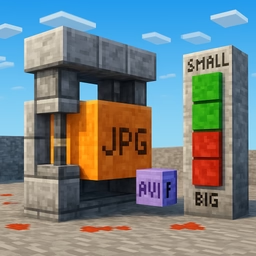
Shrink your JPG photos by 30–50% while keeping excellent visual quality. AVIF is the modern image format used by top websites, Netflix, and the BBC for faster loading and better-looking images.
Why choose AVIF
AVIF is based on the AV1 video codec. At the same perceived quality, it typically produces files a third to half the size of JPG. Smaller files mean faster page loads, lower hosting costs, and happier mobile users on slow connections.
How it works
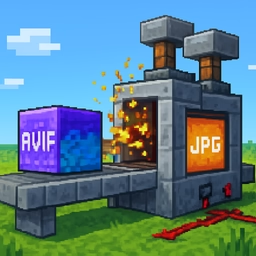
Modern Chromium-based browsers (Chrome, Edge, Opera) and recent Firefox versions include a built-in AVIF encoder. This tool loads each JPG into an image element, draws it on a canvas, and asks the canvas to encode the result as AVIF. Everything happens client-side — your photos never leave the browser.
Quality setting
The quality slider goes from 1 to 100. AVIF is much more efficient than JPG, so even values around 50–70 often look visually indistinguishable from the source. For photography-grade compression, use 70–80. For maximum savings on thumbnails, try 35–45.
Batch conversion
Drop in a single JPG or dozens at once. Files are processed sequentially in your browser, and you get individual download links with size comparisons, so you can immediately see how much you saved.
Browser support
Encoding AVIF requires a modern browser. If the tool detects that your browser cannot encode AVIF (typically older Safari versions), it will display a warning at the top. Decoding AVIF — i.e. viewing the result — works almost everywhere today.
When to use AVIF
- Web pages where load speed matters for SEO and conversions
- Hero banners and large photography that dominate your bandwidth budget
- Progressive Web Apps and mobile experiences on slow networks
- Any project where you already serve WebP or need better compression
Privacy
All processing is local. Your JPG files are never uploaded to a server.