 Tiny Online Tools

HEIC to PNG Converter
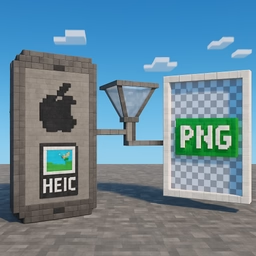
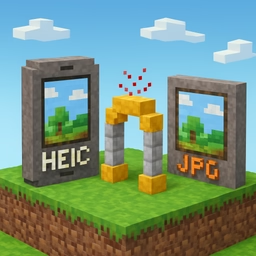
Convert HEIC and HEIF photos from Apple devices into lossless PNG format. PNG preserves every single pixel, making it the best choice when you need the highest possible visual fidelity.
Why PNG instead of JPG
JPG is smaller, but it compresses your photo with lossy algorithms that discard subtle detail. PNG uses lossless compression: the output is pixel-identical to the decoded HEIC source. Choose PNG whenever you plan to edit, retouch, or print the image, or whenever transparency and sharp edges matter more than file size.
How it works
Conversion happens entirely inside your browser using a pure-JavaScript HEIC decoder based on libheif. No upload, no server, no tracking — your photos stay on your device. Select a single HEIC file or drop in a whole batch; each image is decoded and re-encoded as PNG instantly.
When to choose this tool
- You need a lossless master copy for photo editing software
- You want to keep the original transparent areas (HEIC supports alpha)
- You plan to print the image at high resolution
- You need to open the picture on Windows, Linux, or old Android devices that cannot read HEIC
- You want to archive iPhone photos in a format that every image viewer understands
Batch conversion
Select an entire folder of HEIC files at once. Every file is processed in sequence, and you get individual download links with file size comparisons. Perfect for clearing out a holiday shoot all at once without installing any desktop tool.
Privacy first
Because the decoder runs locally, there is no file upload and no waiting for a server. Even sensitive photos stay completely private. The resulting PNGs keep the original dimensions and color data of the HEIC, so you lose nothing in the process.