 Tiny Online Tools
How to Convert Images to ASCII Art Fast
How to Convert Images to ASCII Art Fast
If you have ever seen a photo turned into a wall of characters and thought, “How did they do that?” the answer is usually simpler than it looks. The Image to ASCII Art tool converts images to ASCII art using brightness mapping right in your browser. That means you can transform a picture into a text-style visual without installing anything, uploading to a server, or waiting around for a complicated workflow.
For quick experiments, creative posts, retro aesthetics, or privacy-friendly editing, this kind of tool is a small delight. And because Image to ASCII Art runs locally in the browser, it is also a practical choice when you want to keep the process fast and private.
What ASCII art conversion is good for
ASCII art is more than a novelty. Used well, it can solve real everyday problems:
- Retro design and social content: turn a normal image into something that feels playful, technical, or nostalgic.
- Redaction-like visual effects: create a blocky, text-based treatment that obscures details while preserving structure.
- Creative coding projects: use ASCII-style output as part of a README, terminal-inspired design, or digital art experiment.
- Low-fi previews: quickly inspect the visual shape of an image in a lightweight text-like form.
If you are comparing visual effects, it helps to know the difference between similar tools. For example, Grayscale Image Converter is ideal when you just want to remove color, while Posterize Image gives a bold, simplified color palette. Pixelate Image is better when you want chunky blocks for privacy or style.
Why this tool stands out
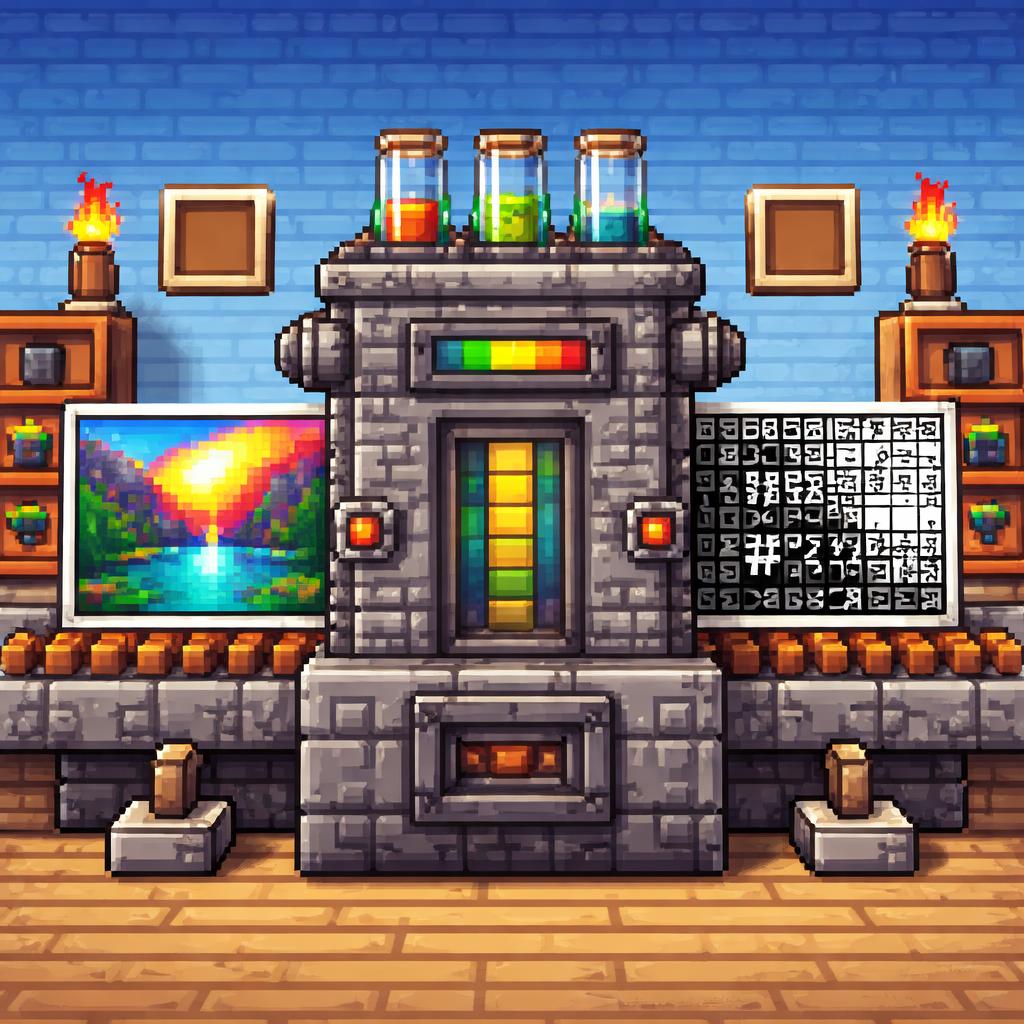
The big appeal of Image to ASCII Art is that it focuses on a single task and does it cleanly: brightness mapping. Bright parts of the image become lighter characters, darker parts become denser characters, and the result feels surprisingly expressive.
That makes it useful when you want:
- A fast transformation without extra setup.
- A browser-only workflow that stays simple.
- A stylized output that reads like code, terminal art, or old-school internet culture.
The tool is also easy to pair with other image utilities. You might convert an image, test a few stylistic variations, then move on to Image Caption Generator if you need to add a caption strip, or use Image Converter to prep a source file before conversion.
Three practical use cases
1. Social media experiments
Want a post that feels different from the usual polished photo? ASCII art can make a simple portrait, landscape, or product shot stand out. It looks technical enough to get attention, but it is still immediately recognizable.
2. Developer documentation and demos
ASCII art fits naturally into code-heavy spaces. If you are building a README, a tutorial, or a terminal-themed landing page, the output from Image to ASCII Art can act as a visual accent that feels on-brand.
3. Privacy-conscious sharing
Sometimes you want to hint at an image without showing every detail. ASCII-style rendering can be a creative middle ground: the structure remains, but fine detail becomes much less prominent.
If your goal is pure data handling rather than visual style, Image to Base64 can be useful for encoding image files into strings, while ASCII to Image does the reverse and turns character art back into a downloadable image.
How to use it
Using Image to ASCII Art is straightforward:
- Open the tool in your browser.
- Choose or load the image you want to transform.
- Let the tool map brightness into ASCII-style characters.
- Review the result and adjust your source image if you want a cleaner shape or stronger contrast.
- Copy or reuse the output in your project.
A simple tip: images with clear contrast tend to produce more readable ASCII art. Portraits with strong lighting, icons, and bold shapes often work better than very busy scenes.
Tips for better results
- Use high-contrast images for a sharper character pattern.
- Avoid overly detailed backgrounds if you want the subject to remain visible.
- Crop before converting to keep the most important part centered.
- Try different source sizes to find the balance between detail and readability.
- Compare nearby tools when you need a different aesthetic. Image Grid Maker is helpful for combining multiple visuals, while Image Caption Generator adds context to a finished image.
Final thoughts
If you want a quick way to transform a picture into something playful, text-like, and immediately shareable, Image to ASCII Art is a great place to start. It is fast, browser-based, and focused on one satisfying result. That simplicity is exactly what makes it useful.
Whether you are making a retro art experiment, polishing a technical README, or just exploring the charm of character-based graphics, Image to ASCII Art gives you a clean path from image to ASCII art in seconds.