 Tiny Online Tools




Why naive scaling looks wrong
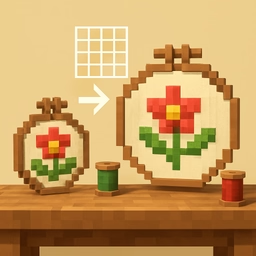
Multiply every coordinate by 1.5 and a design does get 50% bigger — but every stitch in it also gets 50% longer, because a stitch is just the distance between two coordinates. Scale up enough and a tight satin fill turns visibly gappy; scale down and stitches pile on top of each other, risking thread breakage and a stiff, over-dense patch of fabric.
What this tool does instead
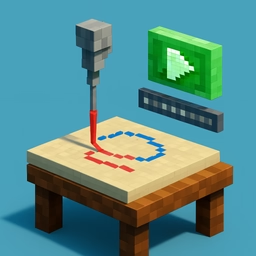
Coordinates are scaled the same way any resizer would. Then, separately, every unbroken run of stitches — between jumps, trims and colour changes, so the design's actual outline is respected — is walked along its own path length and re-sampled at a fixed stitch length, defaulting to the design's own original average. The result: a bigger or smaller design whose stitch spacing looks like the original's, not a stretched or squashed version of it.
What this is not
This is not re-digitising. A real digitiser recalculates fill angle, underlay and pull compensation for the new size; this tool only scales the shape and re-walks the stitch path at the new spacing. It gets density right, not the underlying construction. Extreme resizes still degrade: shrink well under half size and satin columns can collapse into a ridge; enlarge well past double and fills can look sparse no matter the re-sampling. The tool warns when you are outside a roughly 50–200% range.
Output
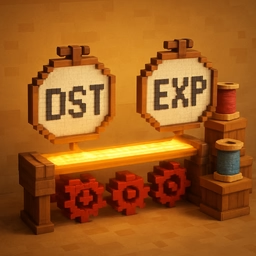
Downloads as DST or EXP — the two formats this project writes correctly (see the file converter for why). A before/after preview and the stitch counts on both sides let you judge the result before trusting it to a hoop.
Privacy
Everything happens in your browser; the file is never uploaded.